Resource Booking Add-Ons Improved
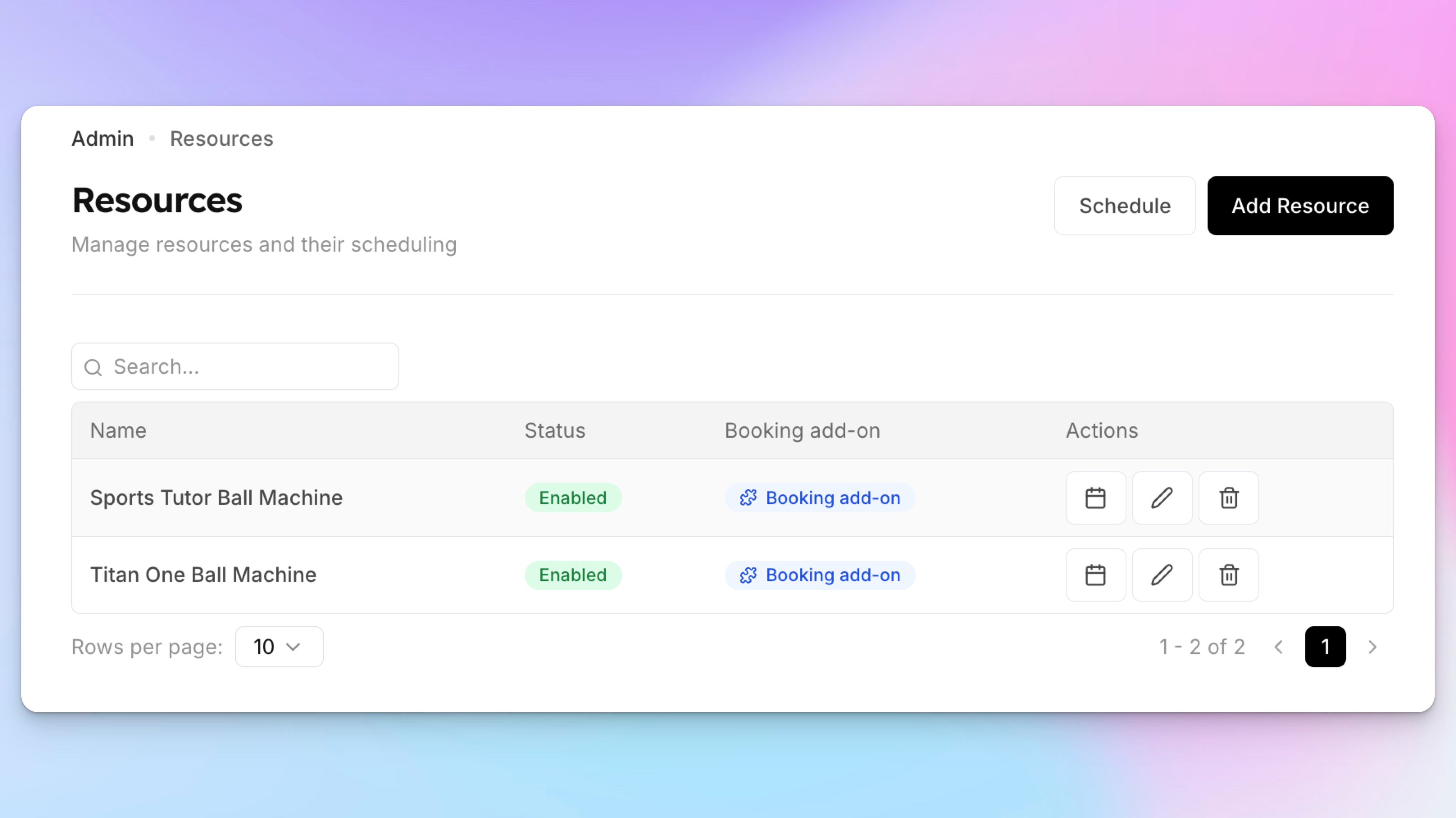
Clubs can now offer equipment and other resources as add-ons during court reservations. This allows members to reserve items such as ball machines, training equipment, or other amenities at the same time they book a court.
Admins can create individual resources (for example, Titan One Ball Machine, Sports Tutor Ball Machine, etc.), configure pricing, restrict which courts they can be used on, and control which users are allowed to book them.
During the court booking flow, members will see available resources and can add them to their reservation. The system automatically checks resource availability and reserves the selected item for the same time slot as the court.
Key capabilities include:
Create and manage multiple resource units (e.g., multiple ball machines)
Offer resources as booking add-ons during court reservations
Fixed or per-hour pricing options
Role-based pricing for members and non-members
Ability to restrict resources to specific courts
Control which membership roles can view or book each resource
Automatic availability tracking to prevent double-booking
Dedicated resource schedule for admins to view and manage reservations
Ability to block resources for maintenance or other internal use
This feature helps clubs monetize equipment, simplify equipment reservations, and ensure resources are properly scheduled alongside court bookings.
Learn more about resources here.