Event Tags
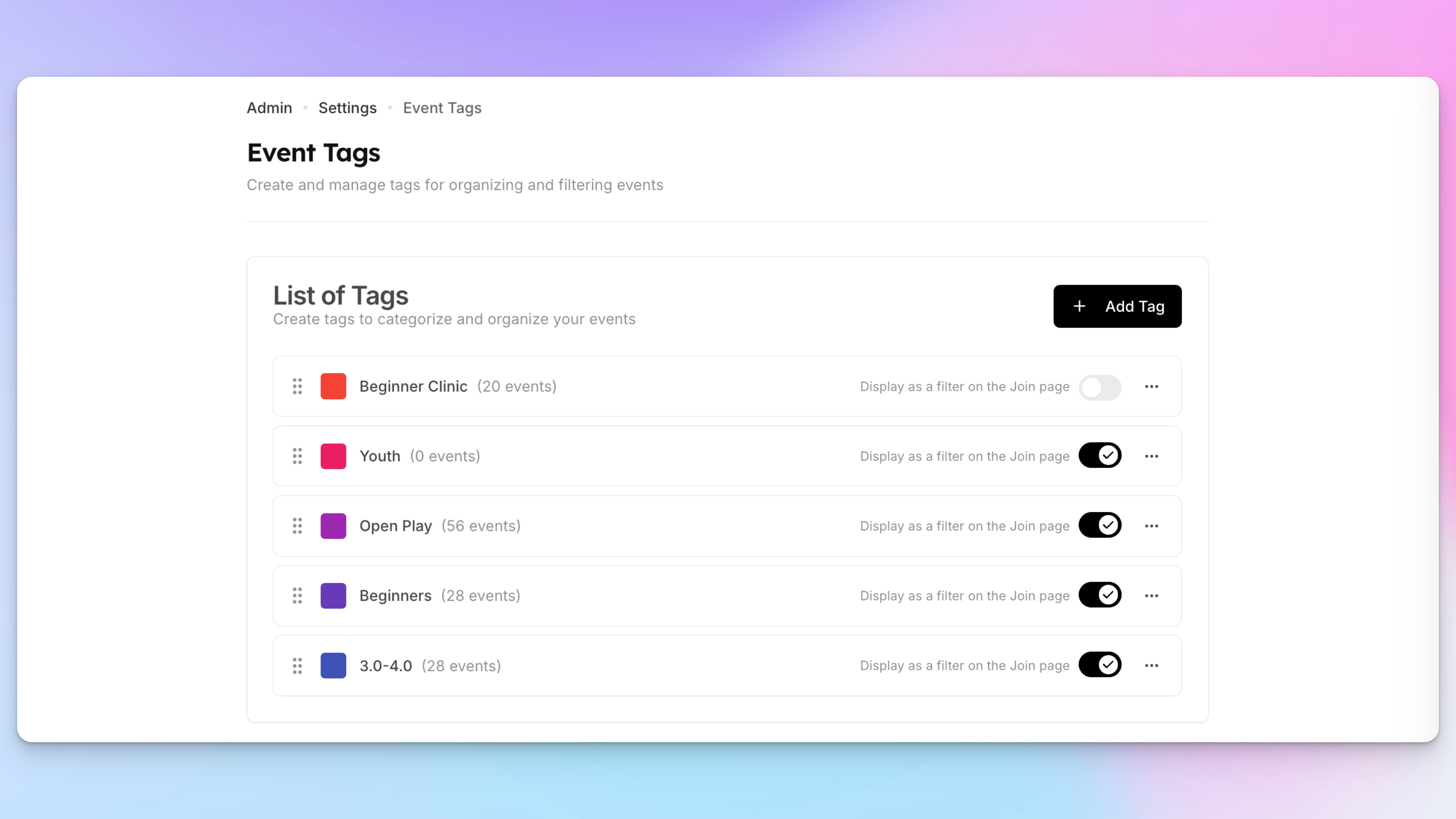
Clubs can now organize and categorize events using custom tags. Tags allow you to label events with categories such as Beginner, Advanced, Youth, or any other label that fits your programming.
Tags appear as colored badges in the admin events list, making it easier to visually organize events and quickly identify their category.
In addition to organization, tags can also power custom event filters on the Join page. Instead of the default event type tabs (Open Play, Clinics, Tournaments, etc.), clubs can display their own tag-based tabs so members can easily browse events by category.
Event tags also integrate with booking passes, allowing clubs to create passes that apply only to specific types of events — for example, a pass that works only for events tagged Youth.
Key capabilities include:
Create unlimited custom event tags
Assign one or multiple tags to any event
Display tags as colored badges in the admin event list
Replace default Join page filters with custom tag-based tabs
Restrict booking passes to events with specific tags
Reorder tags to control display order across the platform
This feature gives clubs more flexibility to organize events, improve event discovery for members, and create more targeted booking passes.
Learn more about event tags here.