Updated waiver management
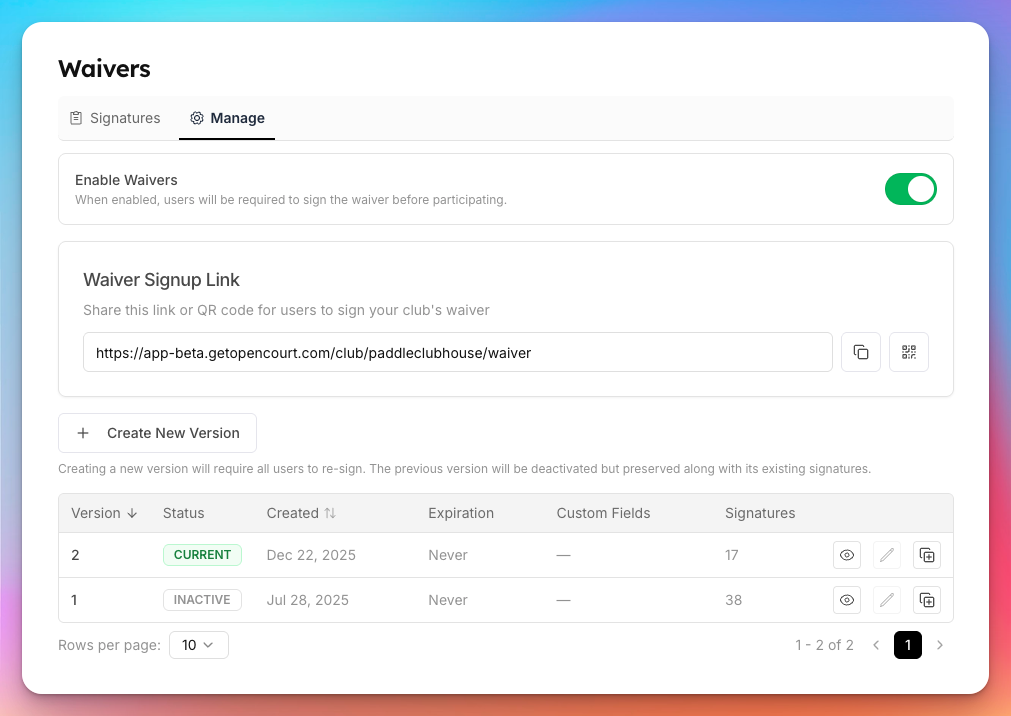
You can now create new versions of your waivers directly from the admin panel. Once a waiver has been signed, it's locked from editing to protect what your members agreed to. When you need to make changes, create a new version — it's pre-filled from the previous one so you don't start from scratch. Keep in mind that publishing a new version will require all members to re-sign the next time they make a reservation, join an event, or complete a purchase.
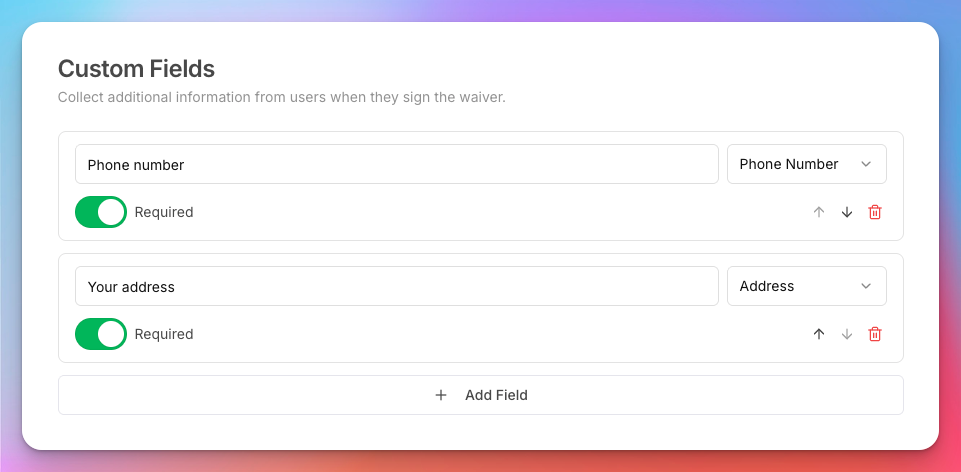
Waiver custom fields are now more powerful. Beyond free-text fields, you can add phone number, date of birth, and full address fields — each with built-in formatting and validation so members enter their information correctly the first time. All custom field responses are exportable to CSV for easy reporting.
You can also set expiration periods on waivers. When a waiver expires, members will automatically be prompted to re-sign the latest version, making it easy to stay compliant with evolving policies without manually tracking who needs to re-sign.